Maymont Homes Resident Move-In Guide
This Maymont Homes move-in guide is your complete checklist for the steps to take after signing your lease. It covers everything from submitting renters insurance and completing pet screening to setting up your utilities, accessing your home with your lockbox code on move-in day, and completing your move-in inspection report within 72 hours. Follow the checklist below to know exactly what to expect and when.
Last updated June 4, 2026
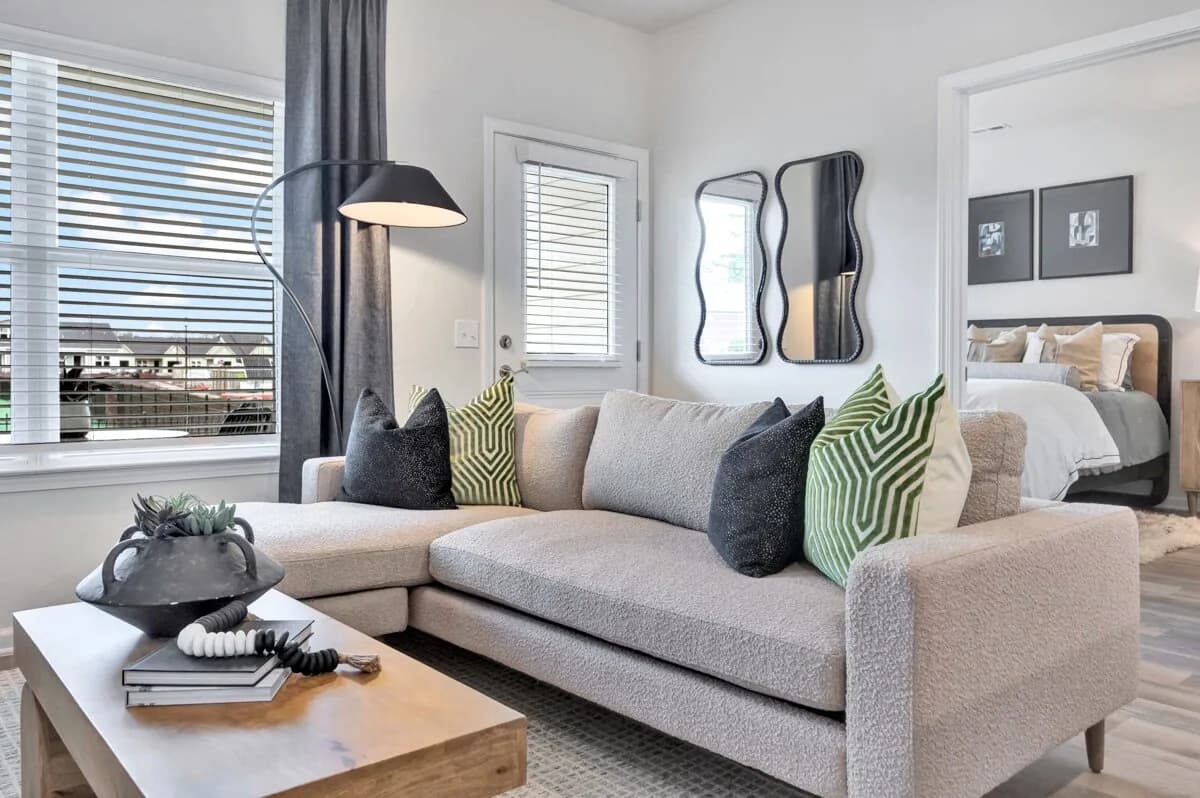
Move-In Steps at a Glance
Use the move-in checklist below to complete your required steps, understand what to expect, and feel prepared for day one in your new home.
Before move-in
- 1
Sign Your Lease and Complete Pre-Move-In Requirements
Make sure your lease is signed and all required payments are completed before your move-in date. This includes your security deposit or security deposit alternative and your first month's rent.
Maymont also offers flexible payment options to make moving easier, including Flex for splitting rent, Piñata for rewards and credit building, and Rhino as a security deposit alternative.
Explore resident financial tools → - 2
Submit Proof of Renters Insurance
Renters insurance is required before your move-in date to help protect you and your belongings.
You can either enroll in the Maymont Master Policy for $17.95/month or provide your own policy that meets the required coverage. To enroll in the Master Policy, sign up online through LeaseTrack, our preferred insurance partner.
If you choose your own policy, it must include:
If proof of coverage is not received before move-in, you will be automatically enrolled in the Master Policy so you are covered from day one.
- At least $200,000 in personal liability coverage
- BSFR Property Management LLC, P.O. Box 38005, Albany, NY 12203 listed as an additional interested party
- 3
Complete Pet Screening
Pet screening is required for all Maymont Homes residents, even those without pets. Maymont partners with PetScreening to manage the process, complete your screening and review our pet policies through the PetScreening portal.
Start pet screening → - 4
Set Up Your Utilities
Utilities must be active on your move-in date. At most Maymont homes, services are handled through SimpleBills, which combines utilities into one monthly bill.
Before your move-in date, look for a welcome email from SimpleBills with instructions to set up your account. Once completed, your services will be ready when you arrive.
Utility setup information →
Move-in day
- 5
Access Your Home
On move-in day, you'll receive an email by 10 AM ET with your lockbox location and combination. Enter the combination on the lockbox to retrieve your physical house keys.
If your home also has a keyless entry smart lock, you'll receive a separate email or text from Rently with your access code and instructions to register your account. Your physical keys from the lockbox will also unlock the smart lock, so you can use either method to get in.
For the full move-in day process, troubleshooting tips, and mailbox key information, visit the Home Access Instructions page.
Within 72 hours
- 6
Complete Your Move-In Inspection
The day before your move-in date, you'll receive an email with a link to complete the move-in inspection. The inspection is due within 72 hours of your move-in date. Use it to walk through your home, note if anything stands out, and upload photos directly from your phone or computer.
Once finished, you can download a copy of the final report for your records. This helps document your home's condition at move-in and creates a record for reference later.
Get started
- 7
Access Your Resident Portal
Your Resident Portal is your central place for managing your account and staying on top of your lease.
Use it to:
For maintenance requests and other services, visit the Resident Support Hub.
- Pay rent and view your balance
- Review statements and payment history
- Access important account information
Make it yours
- 8
Settle In and Make Your Space Your Own
Now that you're moved in, it's time to make your space feel like home. Take your time unpacking, get to know your neighborhood, and settle in at your own pace — welcome home.
Resident perks
- 9
Explore Optional Services
Maymont offers optional services to make everyday living easier. Add washer and dryer rentals or schedule recurring lawn care based on your needs.
Note: Requirements may vary based on your lease agreement and local regulations. This guide is for general guidance only. Please review your signed lease for terms specific to your home. Questions about your move-in? Call (833) 426-6739 or email leaseadmin1@maymonthomes.com. We're happy to help.
Your Go-To for Resident Resources
Your resident resource center puts everything you need in one place. Bookmark it for easy access anytime.
Move-In FAQs for Maymont Homes Residents
Answers to the most common questions about moving into your new Maymont home, from required pre-move-in steps to managing your account, paying rent, and submitting maintenance requests.
Before your move-in date, you'll need to sign your lease, complete all required payments (security deposit or deposit alternative and first month's rent), submit proof of renters insurance, complete pet screening, and set up your utilities through SimpleBills.
The Move-In Guide on this page walks through each step in detail. If you're unsure where you stand on any item, email your move-in team at leaseadmin1@maymonthomes.com or call (833) 426-6739.
The Maymont Homes Master Policy costs $17.95 per month. It provides the renters insurance coverage required to live in a Maymont home.
You can also choose to provide your own qualifying policy instead. If proof of an outside policy isn't received by your move-in date, you'll be automatically enrolled in the Master Policy so you have coverage from day one.
A third-party renters insurance policy must include:
Submit proof of coverage by your move-in date. If proof isn't received in time, you'll be automatically enrolled in the Maymont Master Policy at $17.95 per month.
- At least $200,000 in personal liability coverage
- BSFR Property Management LLC, P.O. Box 38005, Albany, NY 12203 listed as an additional interested party
- Your policy number
- All adults on the lease named on the policy
- The leased property address as the insured property address
- Policy start and end dates that match your lease term
Yes, all Maymont Homes residents are required to complete pet screening, even those without pets. This is a one-time step that helps keep our communities safe and ensures all records are up to date.
You can complete your screening through the Maymont pet screening portal in just a few minutes.
On move-in day, you'll receive an email by 10:00 AM ET with your lockbox location and combination. Enter the combination on the lockbox to retrieve your physical house keys.
If your home also has a keyless entry smart lock, Rently will send a separate email or text with your access code and instructions to register your account. Your physical keys from the lockbox will also unlock the smart lock, so you can use either method to get in.
For the full move-in day process, troubleshooting tips, and mailbox key information, visit the Home Access Instructions page. If you have any issues, contact your Maymont Homes move-in coordinator at (833) 426-6739.
You'll receive an email with a link to your move-in inspection the day before your move-in date, and the inspection is due within 72 hours of your move-in date. Complete it digitally from your phone or computer by walking through your home, noting anything that stands out, and uploading photos directly from your device.
Once finished, you can download a copy of the final report for your records. For questions or concerns about your move-in inspection, email leaseadmin1@maymonthomes.com.
Log in to the Resident Portal to view statements, pay rent, and manage your account. First-time users can get set up in a few minutes:
For sign-in issues, contact Maymont support at (833) 426-6739.
- Visit the Resident Portal login page and select "Create An Account" in the top right corner.
- Enter your email address, first and last name, and date of birth. This information must exactly match what is on file in your lease for security reasons.
- Check your email after registering. You will receive an automated email with your username and a temporary password.
- Log in with the temporary credentials. You'll be asked to change your password and finish setting up your account.
- Bookmark the portal for quick access in the future.
Rent is due on the 1st of each month and is considered late after the 5th. Pay securely online through the Resident Portal by selecting "Make a Payment" from the home screen or the "My Bill" tab in the left menu.
For payment questions or step-by-step instructions, visit the Pay Rent page or contact customer service at (833) 426-6739.
Submit a maintenance request through the Maymont Homes maintenance request page at any time. To help us resolve your issue quickly:
For emergencies such as flooding, no heat with indoor temperature below 50°F, or no air conditioning with indoor temperature above 90°F, call (833) 426-6739, Option 4 immediately.
- If safe to do so, attempt basic troubleshooting or minimize the issue.
- Submit your request online through the Maintenance Request form.
- Confirm your preferred contact information so our team can reach you without delay.
- Provide a detailed description and upload photos or videos where helpful. Useful details include HVAC filter size and last replacement date, appliance make and model, and when the issue started.
- Our team will review your request and contact you to discuss next steps.